Table of Contents
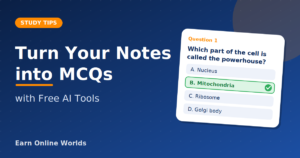
Sometimes, just re-reading your notes is not the best way to study. However, you can test yourself by creating MCQs. Manually creating these can be very time-consuming. There are now free AI tools that can create MCQs for you in minutes. Read on for more information.
Why Create MCQs from Your Notes?
When answering questions, you are recognizing what you actually know. This will help you understand what topics you need to spend more time on. Creating MCQs from your notes will help prepare you for your board exams and entrance tests, as most questions will be MCQs. It can also be a quick revision method. Ten questions can be completed in a few minutes.
1. ChatGPT or Gemini (Easiest)
This is the easiest method to use. It’s free, and there is nothing to download. If you already have an account, you don’t need to create a new one.
Steps:
- Go onto ChatGPT/Gemini.
- Copy and paste your notes (one chapter/topic at a time).
- Copy and paste the prompt below.
Prompt:
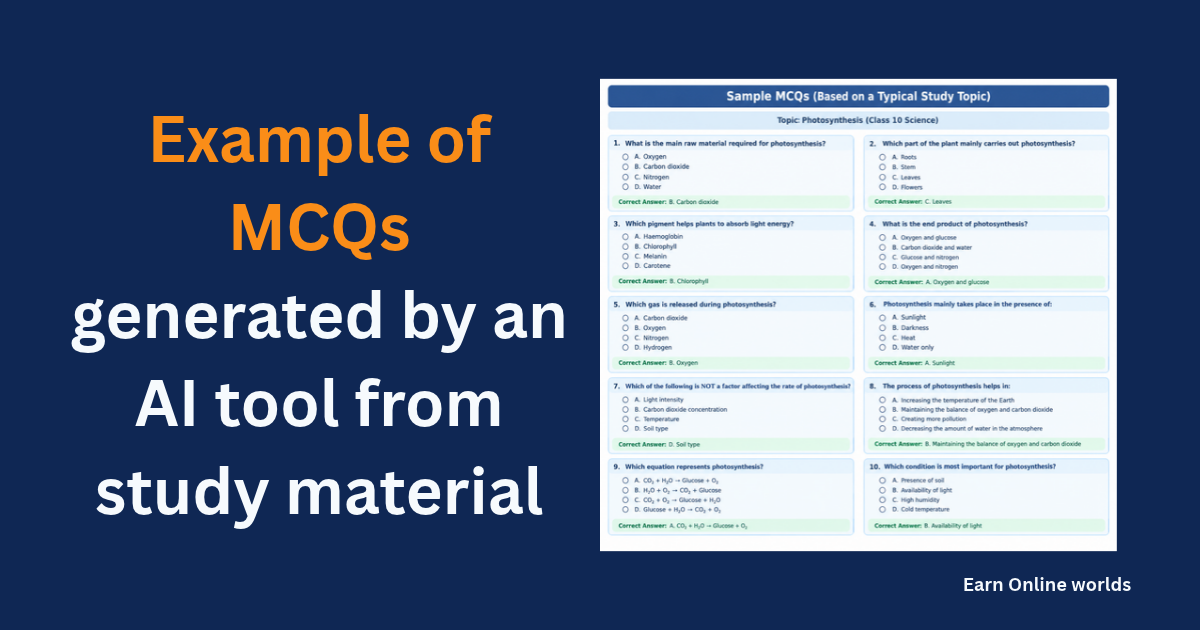
Create 10 multiple choice questions from the following notes. Each should have 4 options (A-D); at the end, put a note saying what the correct answer is. Keep the language simple.
You can add “Make them a bit harder” to make the questions more challenging. You can also adjust the number of questions.
You can tweak the prompt. Add “I am creating these for my [Class 12 board exam” to let them know what level they need to be at. Ask for a mixture of easy, medium, and hard questions. You can also request explanations of why the other options are incorrect, as you can learn from these incorrect answers. Add “Do not include any extra facts” if you don’t want any supplementary information.
You don’t need to include all of these; just try one or two and see what works best for you.
Example:
2. NoteGPT
NoteGPT has a free quiz maker that will create MCQs from any text. Just copy and paste your text and choose how many questions you would like. If you would like to make a quiz page, this is a great option.
Website: https://notegpt.io/
3. Formswrite (PDF Notes)
If you have your notes in PDF, you can use this website. It will convert a PDF into MCQs. You can do a limited number of free conversions per month. No credit card is required. Just upload your file, and you will get 4 options with the correct answer highlighted. This is great if you have a big chapter and don’t want to copy and paste.
Website: https://formswrite.com/
4. Quizlet
This is a popular study app. It says you can create quizzes and MCQs from your notes/text. It is free to start with; however, there are some paid features. If you like using flashcards, this is a great option.
Website: https://quizlet.com/
Always Check the Answers
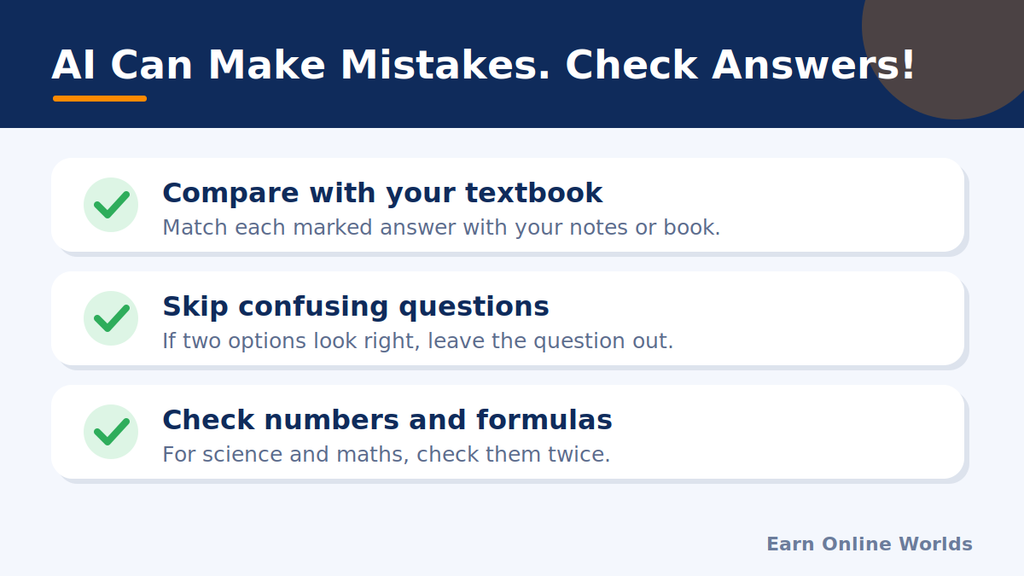
This is vital. The AI can make mistakes. Sometimes, the questions may not be correct. There may be two correct answers, or the correct answer may not be highlighted. Please always double-check them.
- Double-check answers using your textbook/notes.
- Skip any confusing questions.
- Double-check any numbers/formulas for science/math.
- If you are still unsure, ask your teacher or a friend.
The AI can be very confident in its answers, but they may not be correct.
How to Use the MCQs
Now that you have created your questions, you need to practice them.
Try to answer them without looking at your notes. Highlight any incorrect answers and go back to your notes to read the topics you got wrong. After a day or two, try the questions again. This means you are spending your time on the topics you actually struggle with.
Don’t just read the questions and answers; this is not testing yourself.
Tips for Pakistani Students
- Use short sections of your chapter. Long texts may produce low-quality questions.
- English notes tend to work best. If your notes are in Urdu, double-check the questions more thoroughly.
- The free plan can be limited, and this may change. Please check the website for the tool you are using.
- If you have a slow internet connection, ChatGPT/Gemini is the lightest option, as it is simply a chat.
Our Note
We recommend checking each tool’s official website for the latest information about its features, pricing and usage limits.
Always verify AI-generated questions against your original study material before using them for exam preparation.
FAQs
Can I use ChatGPT to create MCQs?
Yes! Just copy and paste your notes and ask it to create multiple-choice questions. Use the prompt above.
Can I create MCQs from a PDF?
Yes. Some tools (e.g., Formswrite) can be used for PDFs. You could also copy the text and paste it into ChatGPT/Gemini.
Will the MCQs always be correct?
No. The AI can make mistakes. Always double-check.
How many questions should I create?
Around 10 questions per topic is a good place to start. Smaller amounts are easier to practice.
What is best for beginners?
ChatGPT/Gemini, as you just need to copy and paste your notes and one prompt.
Final Thoughts
Creating MCQs from your notes can be a clever way to study. Using these free tools makes it fast and easy. Try to do one chapter at a time and double-check the answers. Remember, the AI is just a tool. It is your effort that will make the difference!
The free plans/features can change. Please check the websites.
If anything is unclear, feel free to comment our post or visit our Contact Us page.
Want to know more about new AI models? Read our article on Gemini 4 Carbon
Link: Gemini 4 Carbon