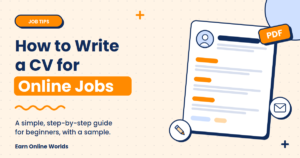
Creating a good CV can help you stand out to someone you have never met. For online jobs your CV is often the first thing you will send to a client or company, and sometimes the only thing. In this article, we will go through how to create a simple and easy to read CV for online jobs.
Table of Contents
How Is an Online Job CV Different?
Although creating a CV for an online job is similar to a normal CV, there are a few differences. Most online clients will care more about your skills and what you can do rather than your degree. As you will not be meeting them face to face, you need to make sure your CV shows clearly what you can do. As you are likely to send it via email or upload it to a website, it should be easy to open and read.
Before Creating Your CV
Read through the job posting and take note of what skills they are looking for and what words they are using. Choose one job you are applying for and don’t try to create a generic CV. A content writer CV should look different to a virtual assistant CV.
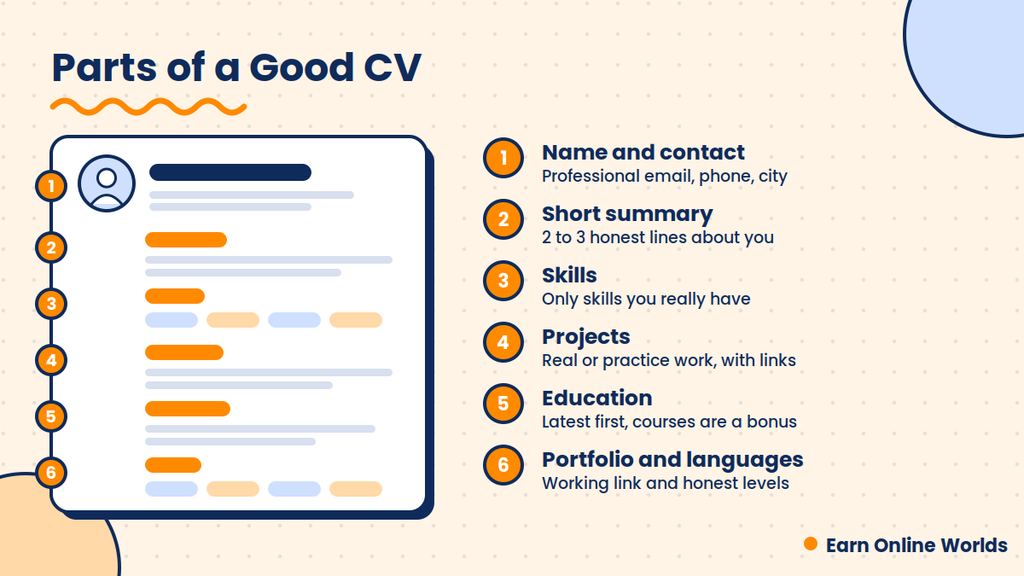
1. Name & Contact Info
Start with your name, email address, phone/WhatsApp number and city. If you have a portfolio or LinkedIn you can also include a link.
Your email address is important! Having something like yourname@gmail.com looks professional. Having something like cutegirl123@gmail.com does not. If your email isn’t professional you can create a new one specifically for applying to jobs.
You don’t usually need to include your CNIC, full address and father’s name on an online CV. You shouldn’t give personal information to someone you don’t know. Most online jobs will also not require a photo unless stated in the job posting.
2. Summary
Underneath your name, include a short 2-3 line summary. Include what you do, what you can do and the type of work you are looking for.
Example:
Beginner content writer with good English and Urdu skills. I have written some practice articles around technology and education. I am looking for a part time online writing job.
Don’t copy the summary from the internet. Write it in your own words. Although short, it tells the reader a lot about you.
3. Skills
Include a bullet point list of skills relevant to the job. Include the most important skills first. If applying for a design role, you might include Canva, Social Media Posts and Logo Design. If applying as a Virtual Assistant, you might include Email Management, MS Excel and Typing.
Only include skills that you actually have! This is very important. If you include skills you don’t have, you may be asked about them in an interview or test and it could actually harm you.
4. Work Experience/Practice Projects
If you have previous work experience, include the name of the work, what you did and how long. Keep it short.
However, if you don’t have any work experience, don’t worry; many beginners don’t. Include practice projects. This could be something like starting your own blog, designing social media posts for a friend’s shop or creating a spreadsheet for your own expenses. Keep it short and, if possible, include links.
Clients love to see real examples of your work. Even if it is small, having a couple of good examples will help.
5. Education/Courses
Include your most recent education first. Include the name of your school/university and the year. After this you can include any online courses you have completed. If you have completed a free online course and got a certificate, you can include this. Pakistani students may include courses from a training programme they have completed. Only include courses that are relevant to the job.
6. Portfolio
Many online jobs will benefit from including a portfolio. A portfolio is simply having a couple of examples of your work in one place. This can be a Google Drive folder, free website or profile on a freelancing site. Make sure the link works perfectly before sending your CV. You’d be surprised how many people forget this!
7. Languages
If you speak more than one language, include this. Many online jobs will benefit from knowing both English and Urdu. Be honest with how good you are. For example, ‘Good’ or ‘Basic’.
Simple CV Example
Below is a simple example. Don’t copy it! Use this to see how the sections should work together and change to your details.
Your Name
Lahore, Pakistan | yourname@gmail.com | WhatsApp: +92 3XX XXXXXXX
Portfolio:
[Your Portfolio Link]
Summary
Beginner content writer with good English and Urdu skills. I write clear and simple articles. I’m looking for a part time online writing job.
Skills
- Article Writing
- Basic SEO
- WordPress
- Canva
- Google Docs
Projects
Personal Blog – Wrote 10 practice articles around education and technology.
Social Media Posts – Designed 15 posts for a small shop (Practice).
Education
Intermediate (FSc/FA) – Name of College – Year
Content Writing – Online Course (Certificate)
Languages
Urdu (Native)
English (Good)
Keep It Simple
There’s no need to overcomplicate your CV. Keeping it simple with clear headings will make it easier to read. Some companies will use scanning software to scan through your CV and overly complicated designs can confuse the software. A couple of tips:
- Try to keep it to 1 page. 2 Pages max.
- Use one easy font. Arial or Calibri.
- Save it as a PDF so it looks the same on all devices.
- Name the file something clear. YourName-CV.pdf.
You can create a CV for free using Google Docs or Word. Both have simple templates.
Common Mistakes
The biggest mistake people make is spelling and grammatical errors. Proofread your CV and get a friend to read through it. Another common mistake is using the same CV for every job. Spend 5 minutes to change your summary and skills to match the job postings.
Can AI Tools Help You Write a CV?
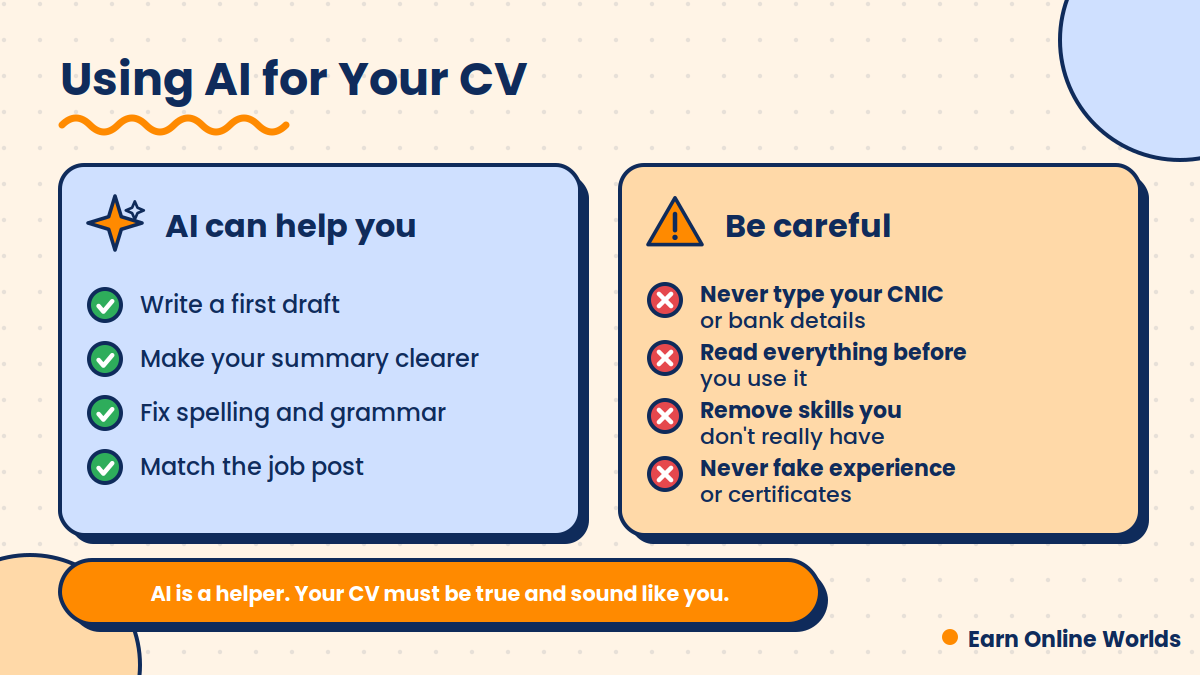
Yes, AI tools like ChatGPT and Gemini can help you write a CV, especially if you are not sure how to start. They can give you ideas, fix your grammar and make your sentences clearer. But AI is only a helper. You still need to check everything.
Here are a few ways you can use it:
- Write a first draft. Tell the AI your skills and the job you want, and ask for a simple CV layout.
- Improve your summary. Paste your two or three lines and ask it to make them clearer.
- Fix grammar. Ask it to check your spelling and sentences.
- Match the job post. Paste the job description and ask which skills from your CV you should show first.
Prompt to copy:
I am applying for an online job as a [job name]. Here are my skills: [your skills]. Please write a short summary of 2 to 3 lines for my CV. Keep the language simple and honest. Do not add any skills or experience that I did not mention.
The last line of this prompt is important. Without it, AI can sometimes add skills or experience that you never had.
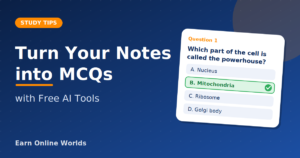
If you are interested in learning about free AI tools to create MCQs from your class notes, you can read our article using the link below.
Link: AI tools to create MCQs
Our Note
We cannot guarantee you will get a job with a good CV. There are many factors that come into play when hiring for a job. This article is just for general information.
FAQs
Should I include a photo on my CV for an online job?
Most of the time no. Most online jobs won’t require it unless stated in the job posting.
Can I create a CV if I have no experience?
Yes! Include practice projects, your skills, education and any courses you have completed.
How long should my CV be?
1 Page is best for beginners. 2 Pages max is a useful general guideline, but it can depend on your experience and the job requirements.
Should I create a different CV for each job?
Not necessarily. You can keep one main CV, but adjust your summary and skills to match each job posting.
Is it better to save as a PDF?
Most of the time yes. It will look the same on all devices. However, if the job posting asks for a specific format, follow their instructions.
Final Thoughts
A good CV for an online job should be clear, honest and simple. Remember your first CV doesn’t need to be perfect! You can always improve it as you learn more.
If anything is unclear, feel free to comment our post or visit our Contact Us page.